
Estimated Update Sizes
- Xbox One: 2.34 GB
- Xbox Series S|X: 1.86 GB
- PS4: 1.62 GB
- PS5 / PS5 Pro: 1.64 GB
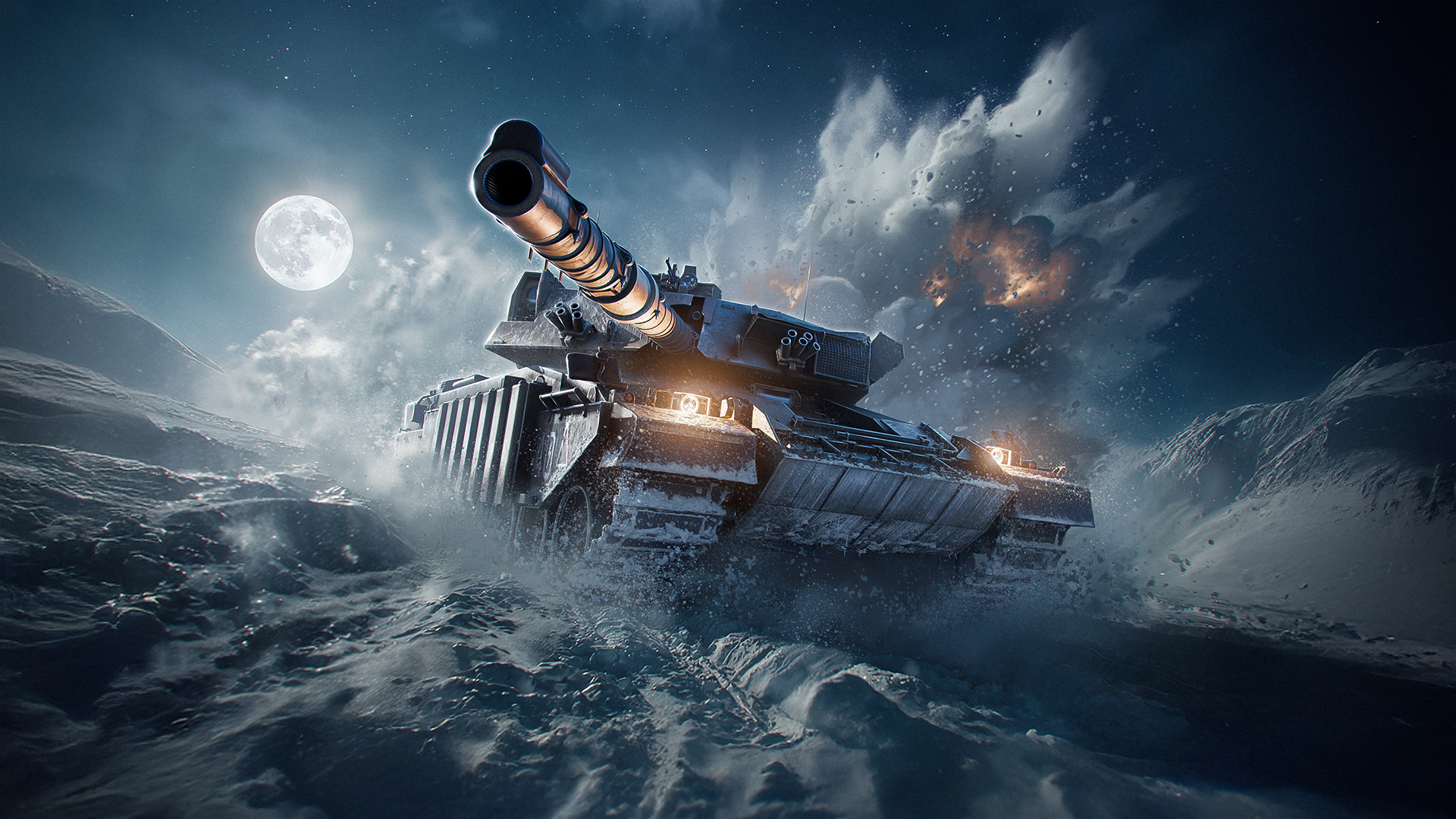
NEW SEASON: ICEBOUND
Winter's reach is far and wide, freezing everything in its path. Before you know it, we find ourselves ICEBOUND, as there is no escaping winter's grasp.
However, there’s no need to worry if you find yourself keeping warm in the garage, as this season introduces new features to explore, along with new garage music. We recommend checking out the new Booster Upgrade option, getting into the celebratory spirit with new holiday Garage Gear, or setting up a Regimental Flag for your vehicles. We’ll also have plenty of other activities to keep you busy during this time of year.
Start by checking out the Icebound season rewards details in this article.
NEW FEATURES AND IMPROVEMENTS!
Enhanced Outlines
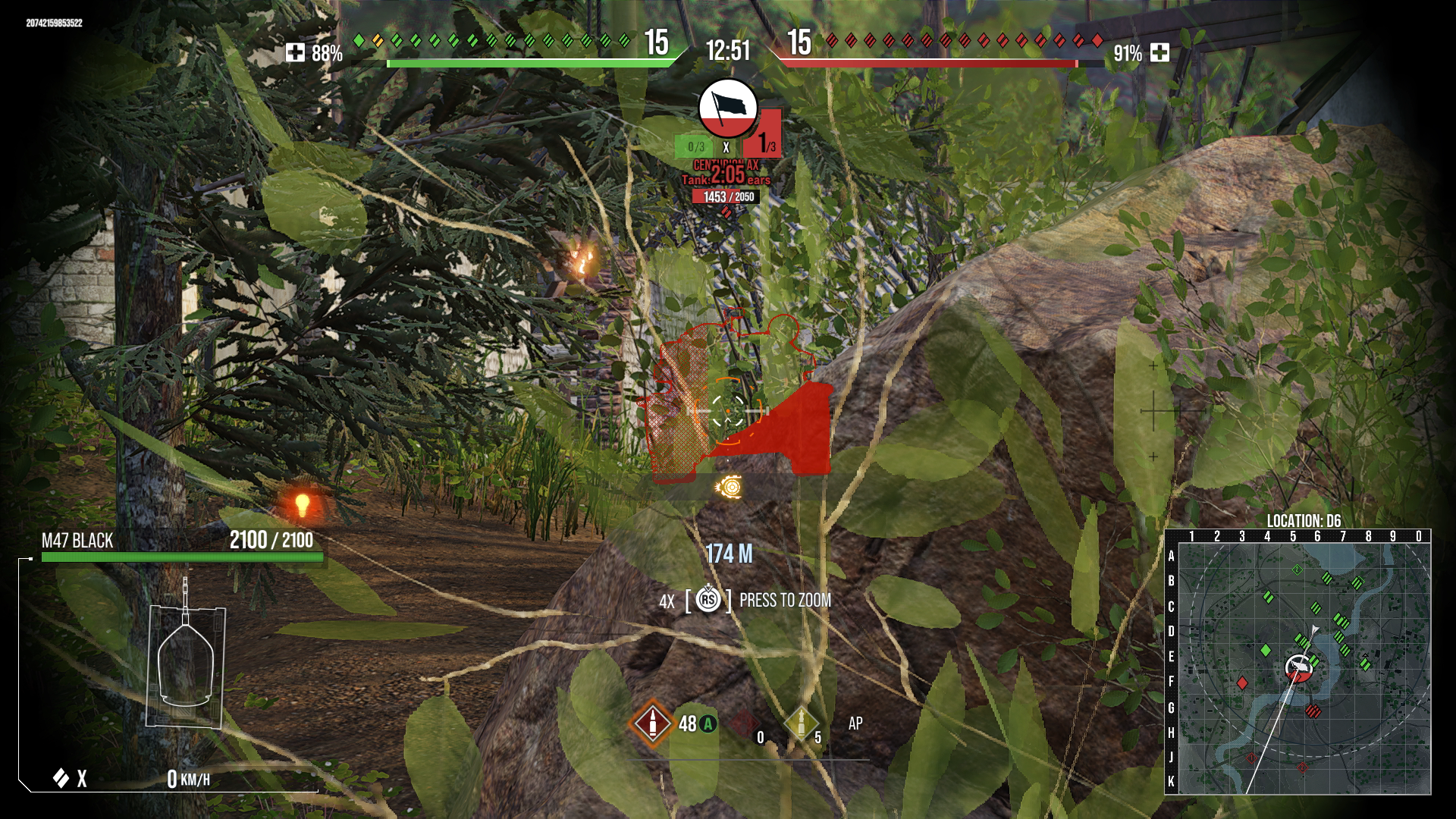
Our latest quality-of-life improvement adds a new feature to the aiming interface that helps to communicate any obstructions between you and the tank you are aiming at. This is useful when aiming at enemy vehicles that are obstructed by bushes, trees, hills, rocks, or other environmental objects. When you are aiming at a vehicle, obstacles inside the tank outline are highlighted with two types of fill: transparent and solid.
- The Enhanced Outlines feature will be enabled by default, but can be disabled through the Options menu.
Transparent Fill: This type of fill is used on objects that can be penetrated, such as fences, phone booths, destructible buildings, and other objects that can be destroyed.
- Note: The fill does not change based on the type of shell loaded. Be aware of your shell mechanics to determine whether they can penetrate destructible objects (such as AP) or explode on impact (such as HE).
Solid Fill: This type of fill is used on non-penetrable objects such as non-destructible houses, rocks, terrain, and vehicles.
Booster Upgrade
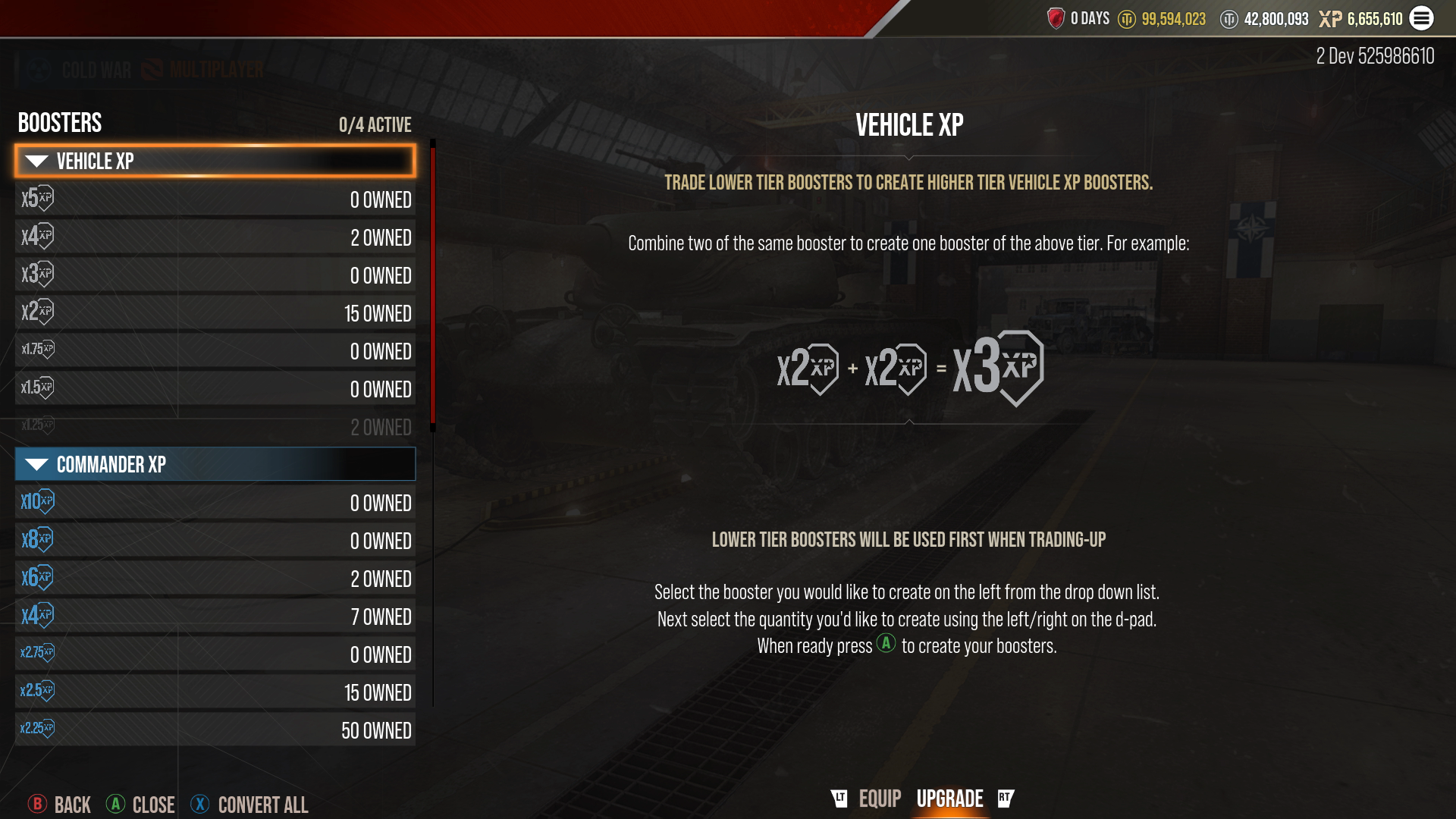
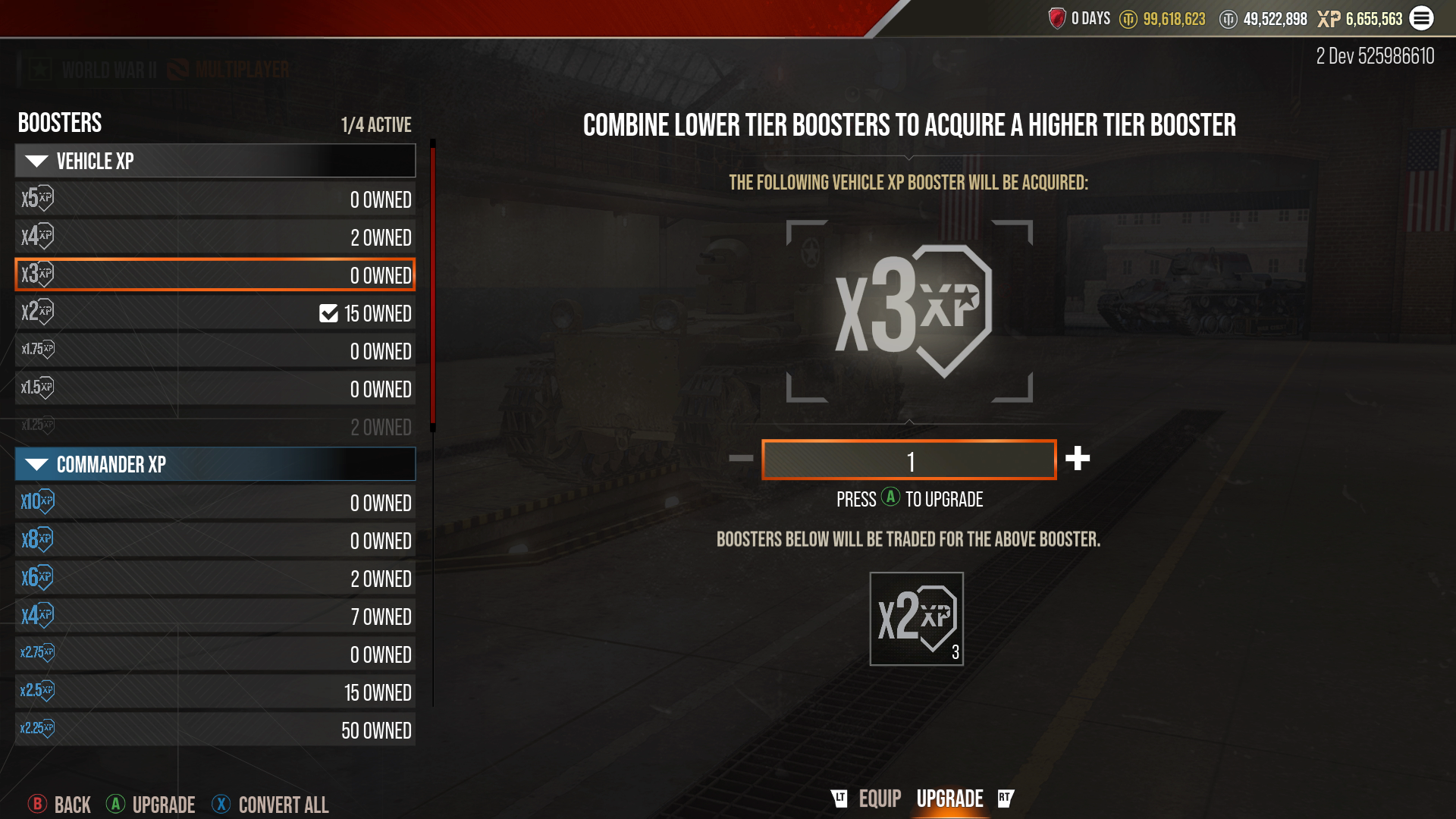
This season brings a new feature to your Booster menu: Booster Upgrade!
Booster Upgrade allows you to combine lower-tier boosters to acquire a higher-tier booster. You access this option by going to the existing Booster menu and using your trigger buttons to tab to the new "Upgrade" tab. From here, you can highlight a Booster on the left side to see if you have enough lower-tier boosters to acquire that level and type of Booster.
Store Updates
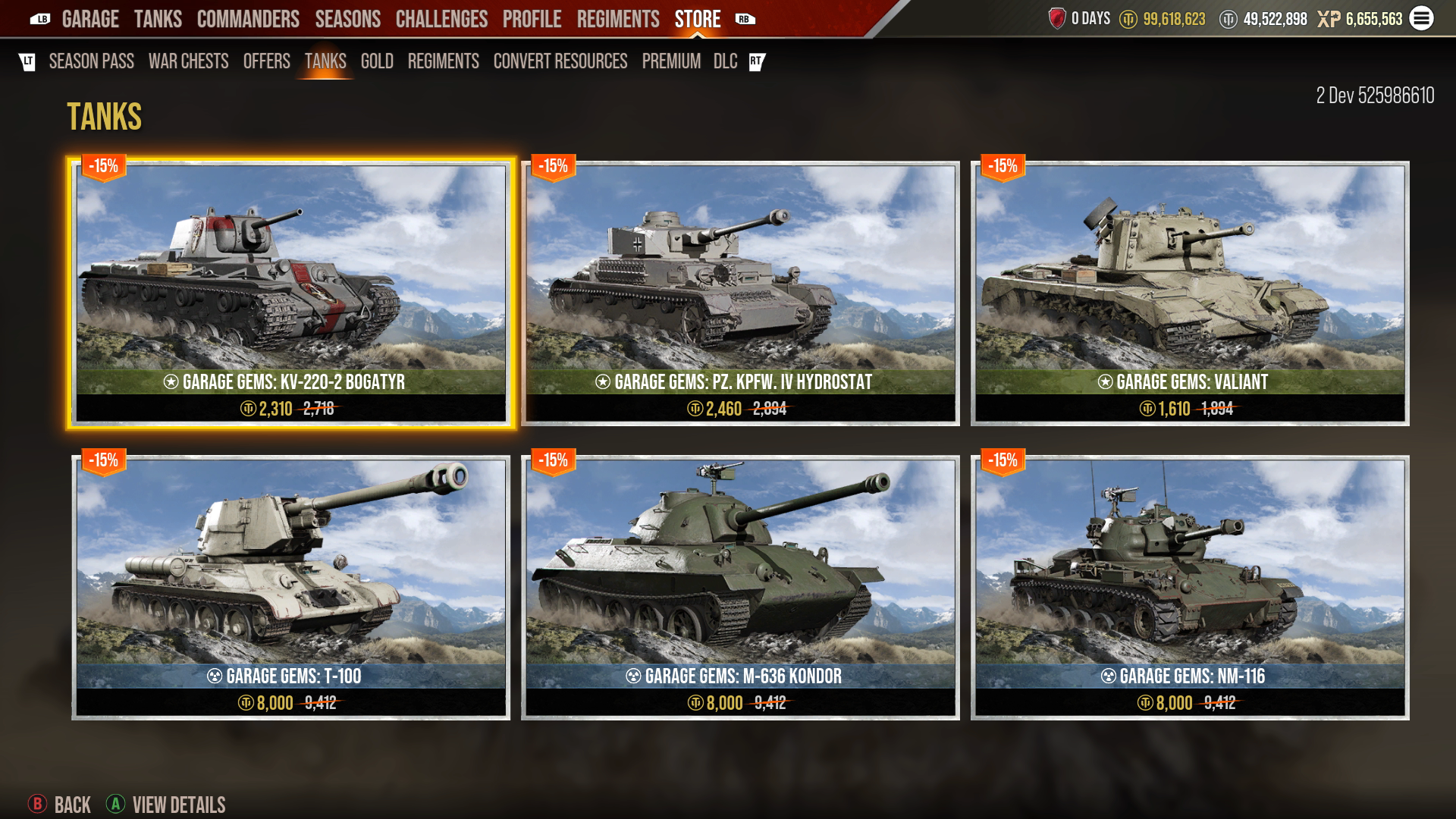
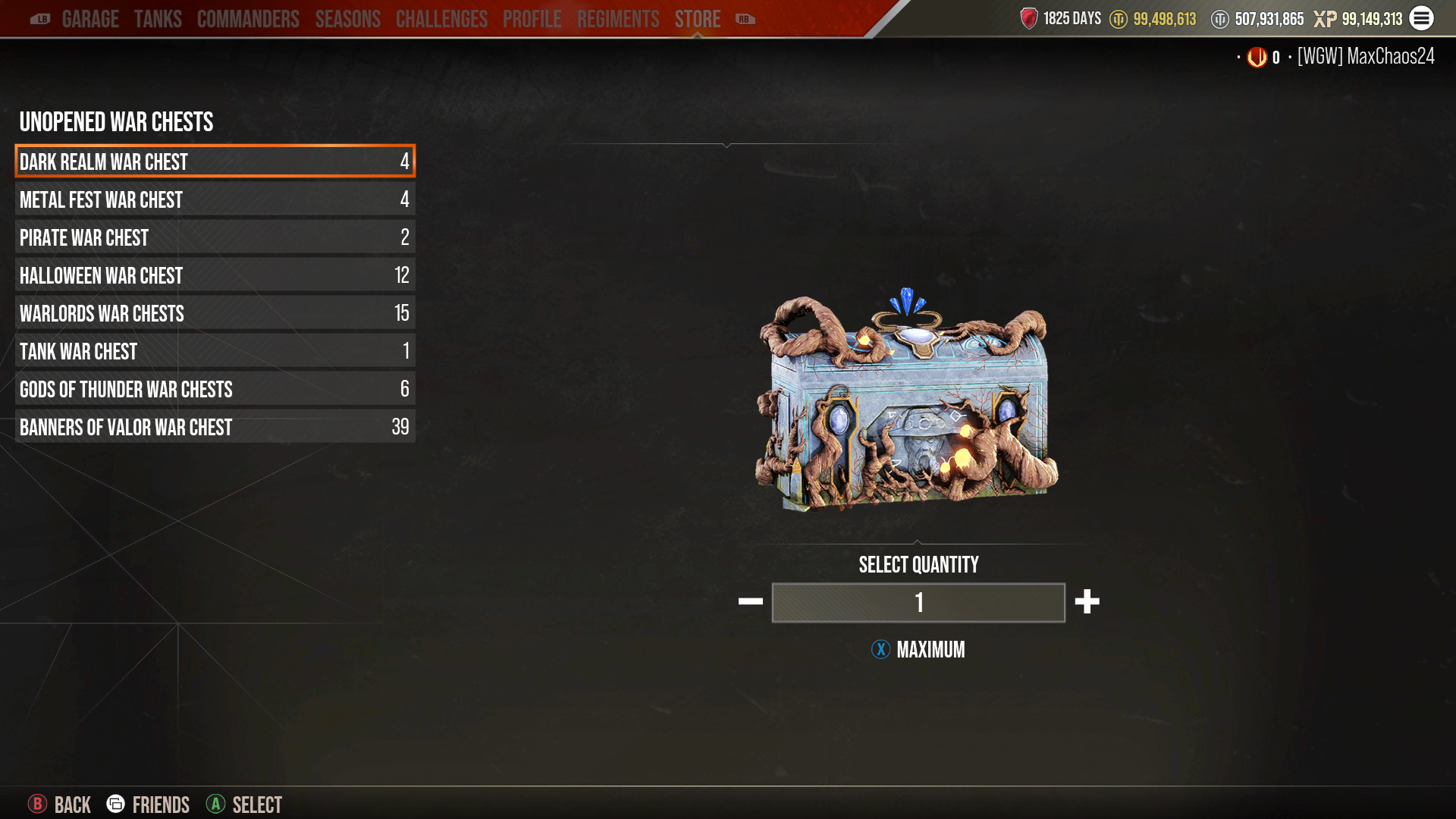
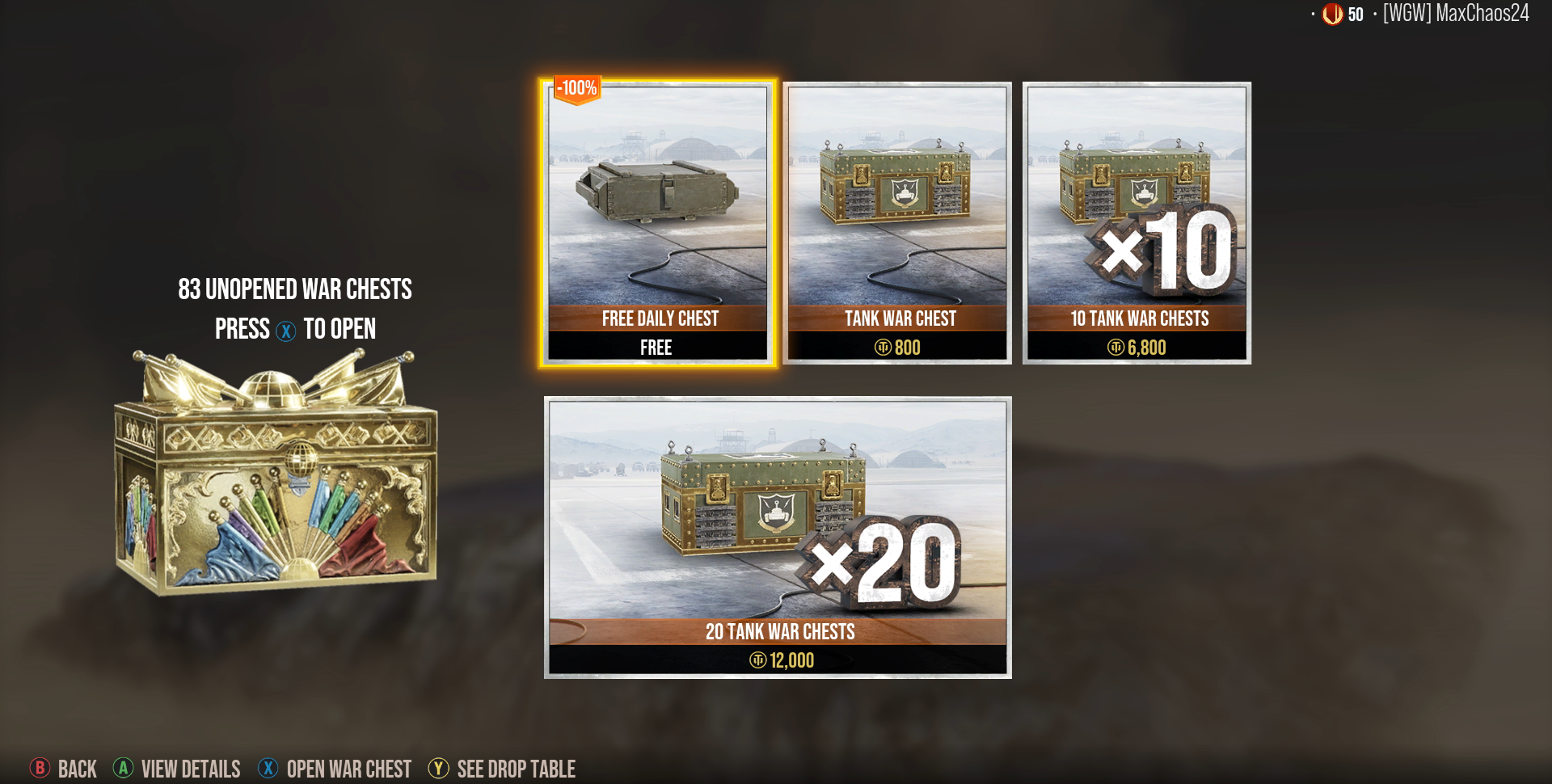
The Store receives two updates this season: a combined “Tanks” tab with color-coded displays, and a display of your War Chest inventory within the War Chest panel for easy access and visibility of any owned War Chests.
Combined “Tanks” Tab: Instead of having separate tabs for World War II and Cold War tanks, there will be a single "Tanks" tab. The game mode of the vehicle will be designated with color coding:
- Blue is used for Cold War tanks
- Green is used for World War II tanks
The game mode icon will also be present next to the tanks' names.
War Chest Inventory Display: When viewing the "War Chest" tab in the Store, players will be able to see their current War Chest inventory on the left side. If the player has an unopened chest, they will see the option to open it. Pressing the “Open” button will display a drop-down list of various chests the player owns.
UI Updates
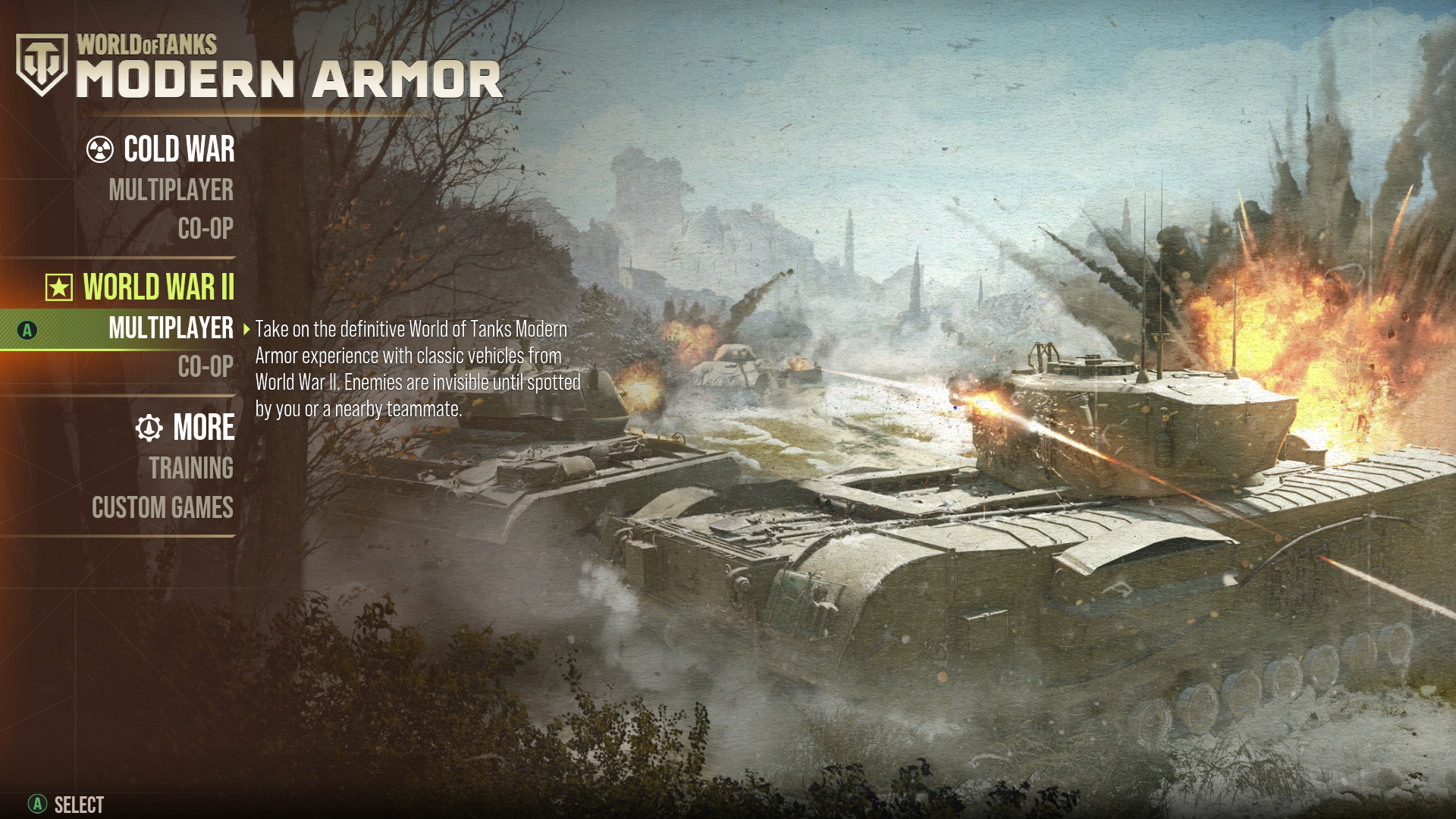
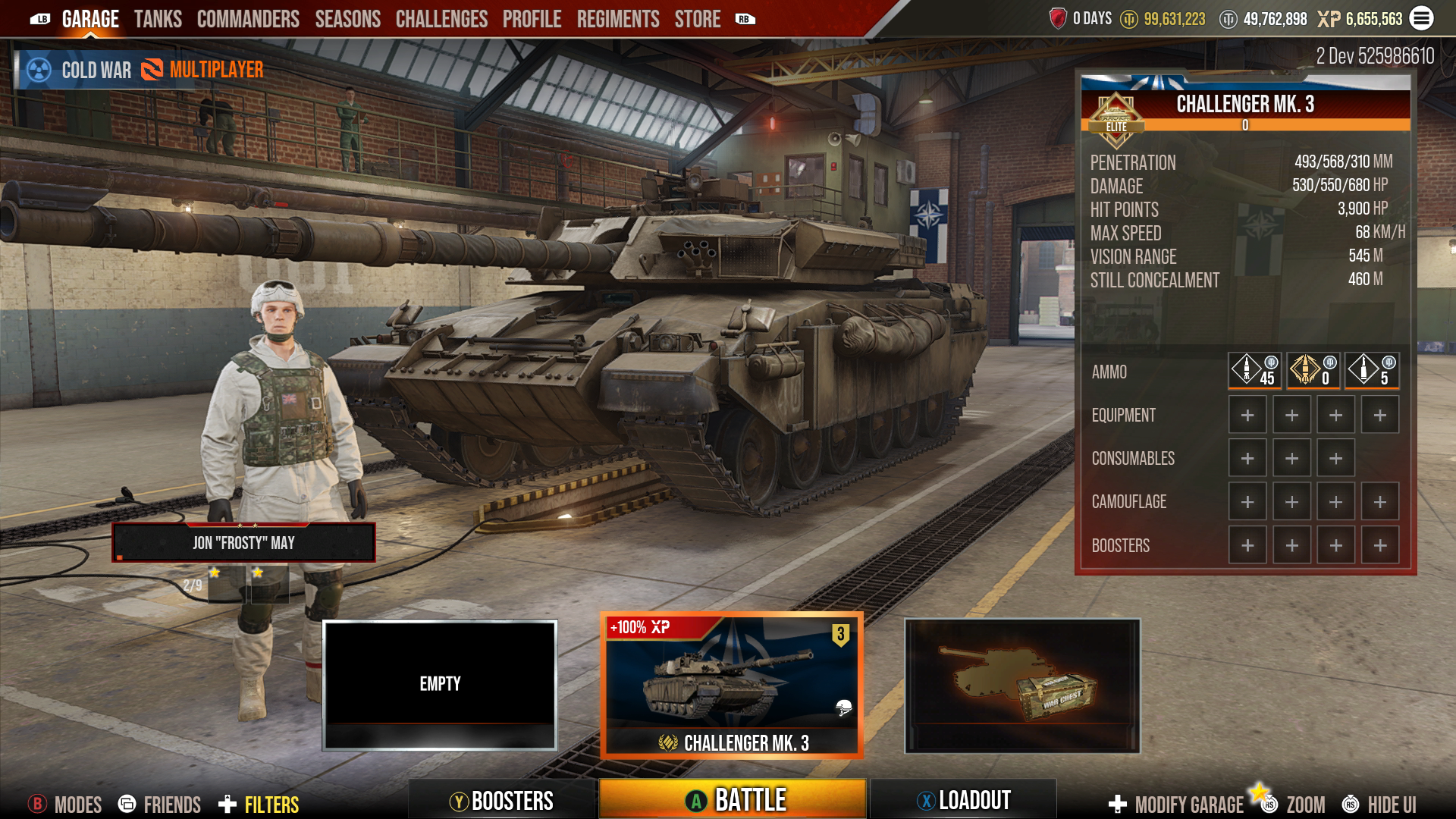
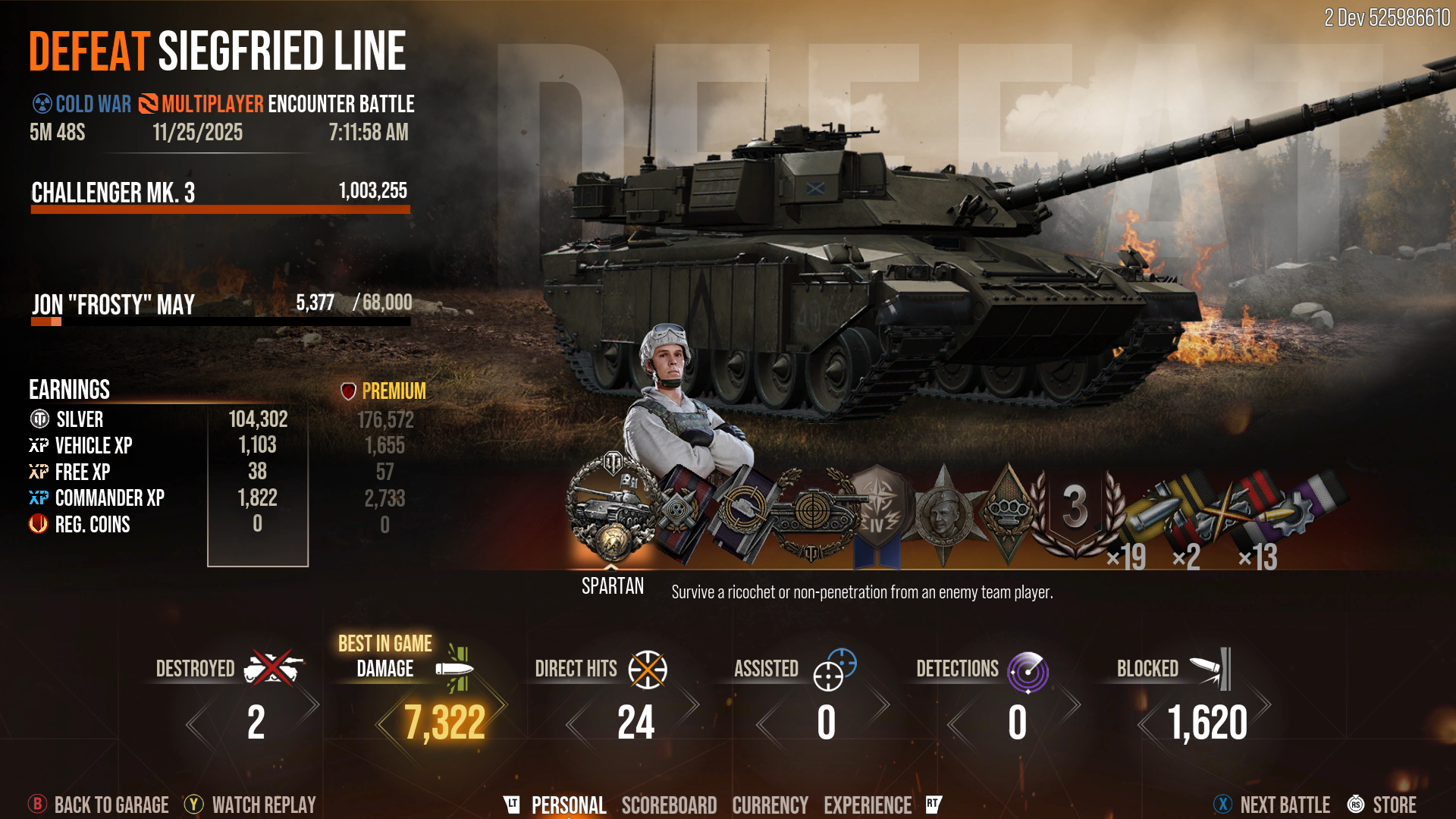
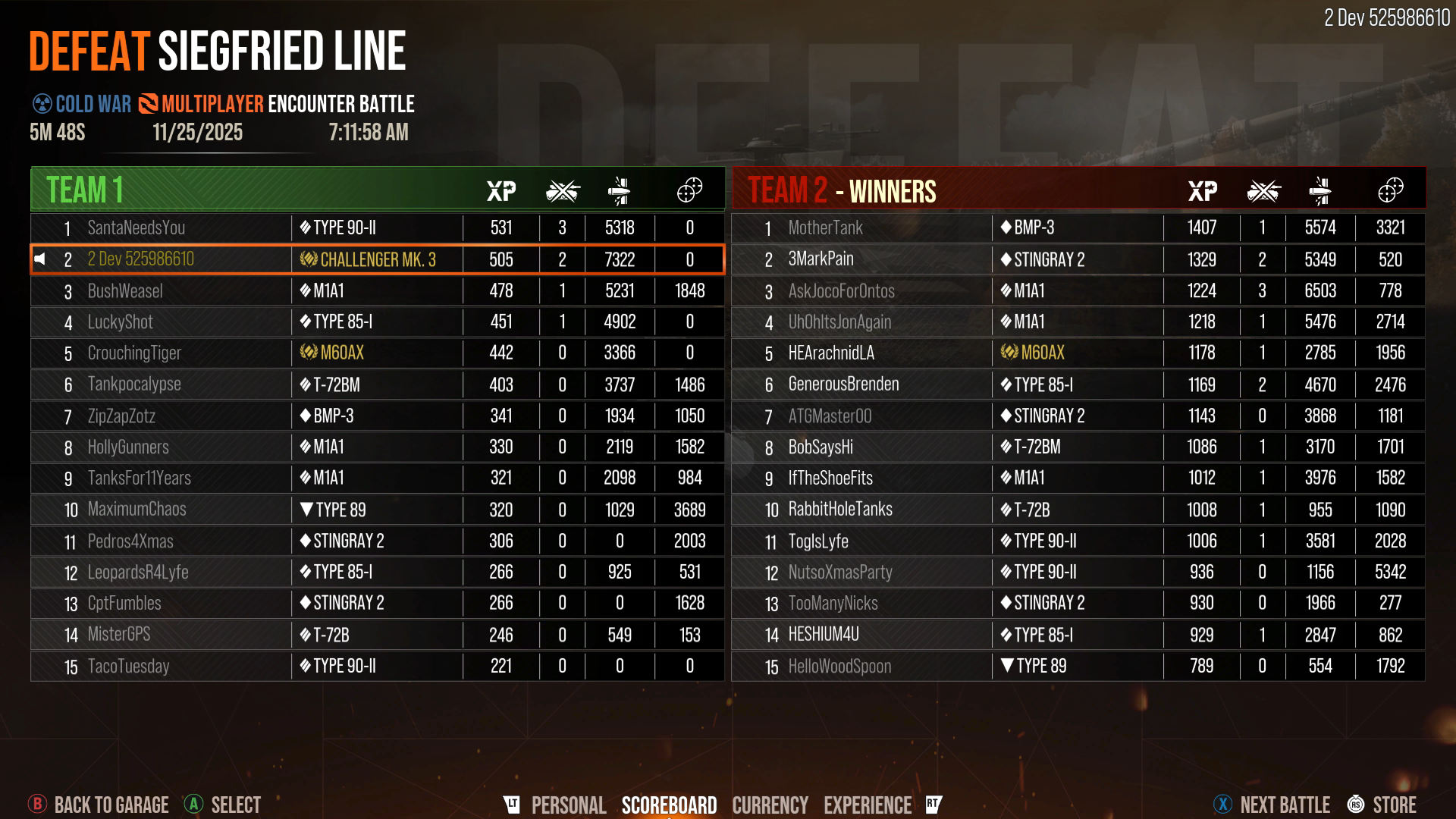
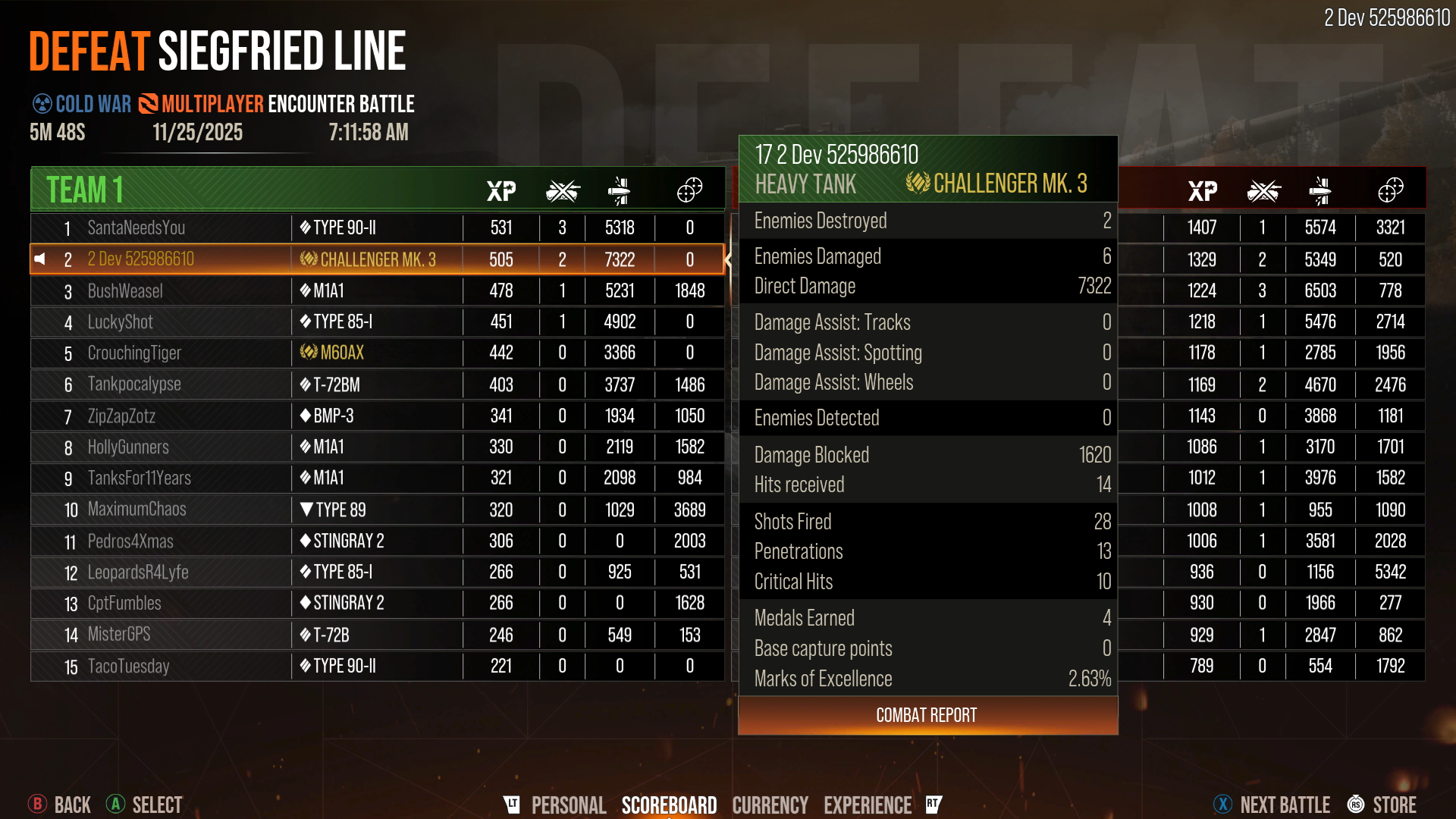
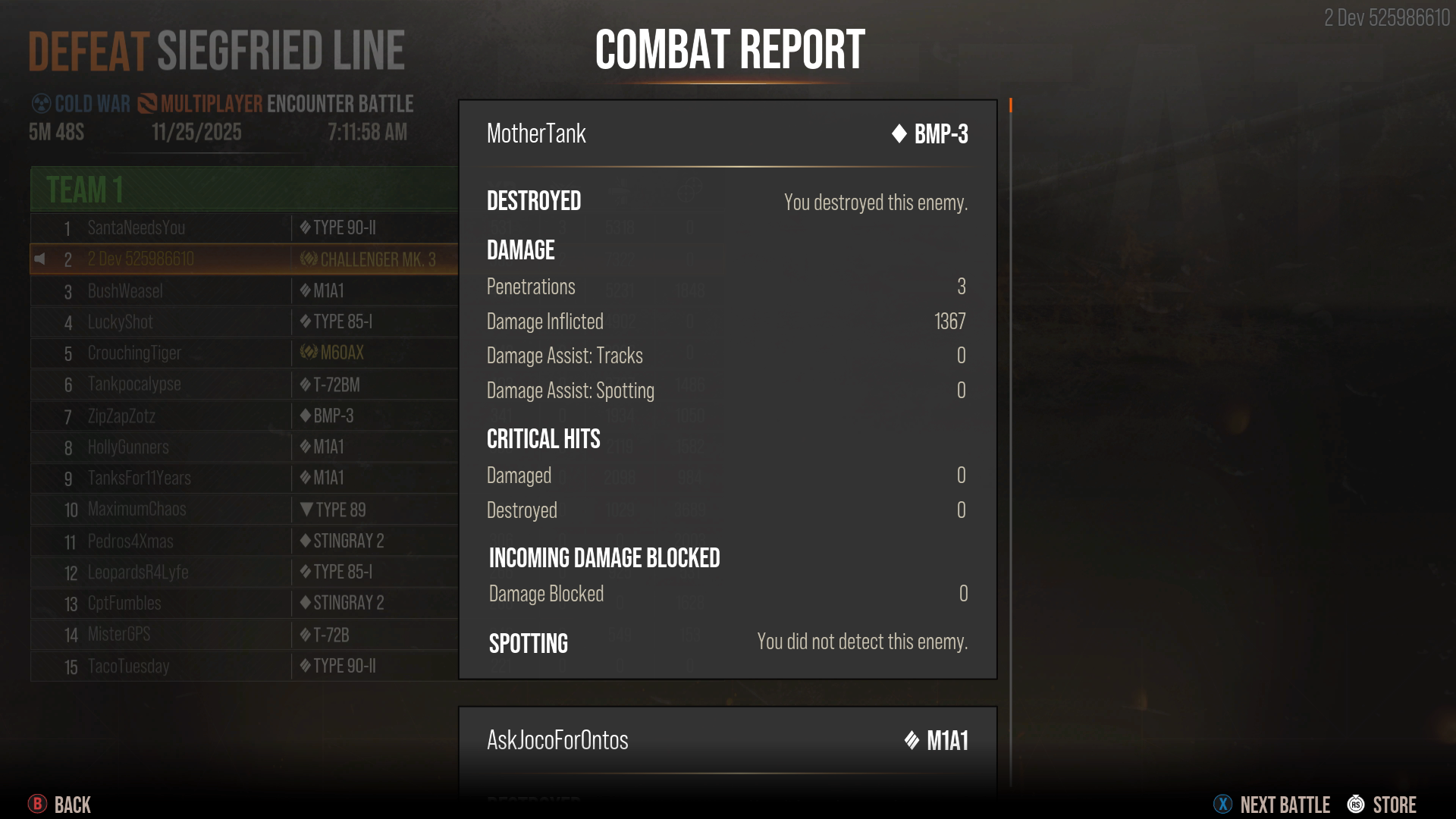
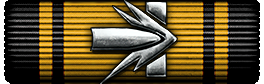
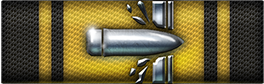
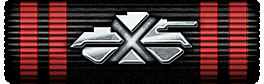
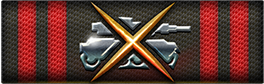
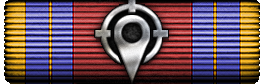
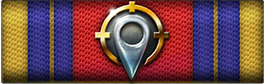
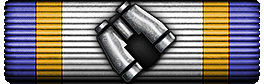
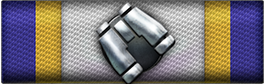
You'll find new UI throughout the game, with the most notable changes being the Game Mode Menu, the Garage interface, updated Ribbon art, and the Post-Battle Results Screen.
Game Mode Menu
Garage
Post-Battle Results Screen
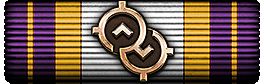
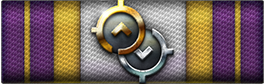
New Ribbon Art
| Before | After |
|---|---|
![]() |
![]() |
![]() |
![]() |
![]() |
![]() |
![]() |
![]() |
![]() |
![]() |
![]() |
![]() |
![]() |
![]() |
REGIMENTS UPDATES
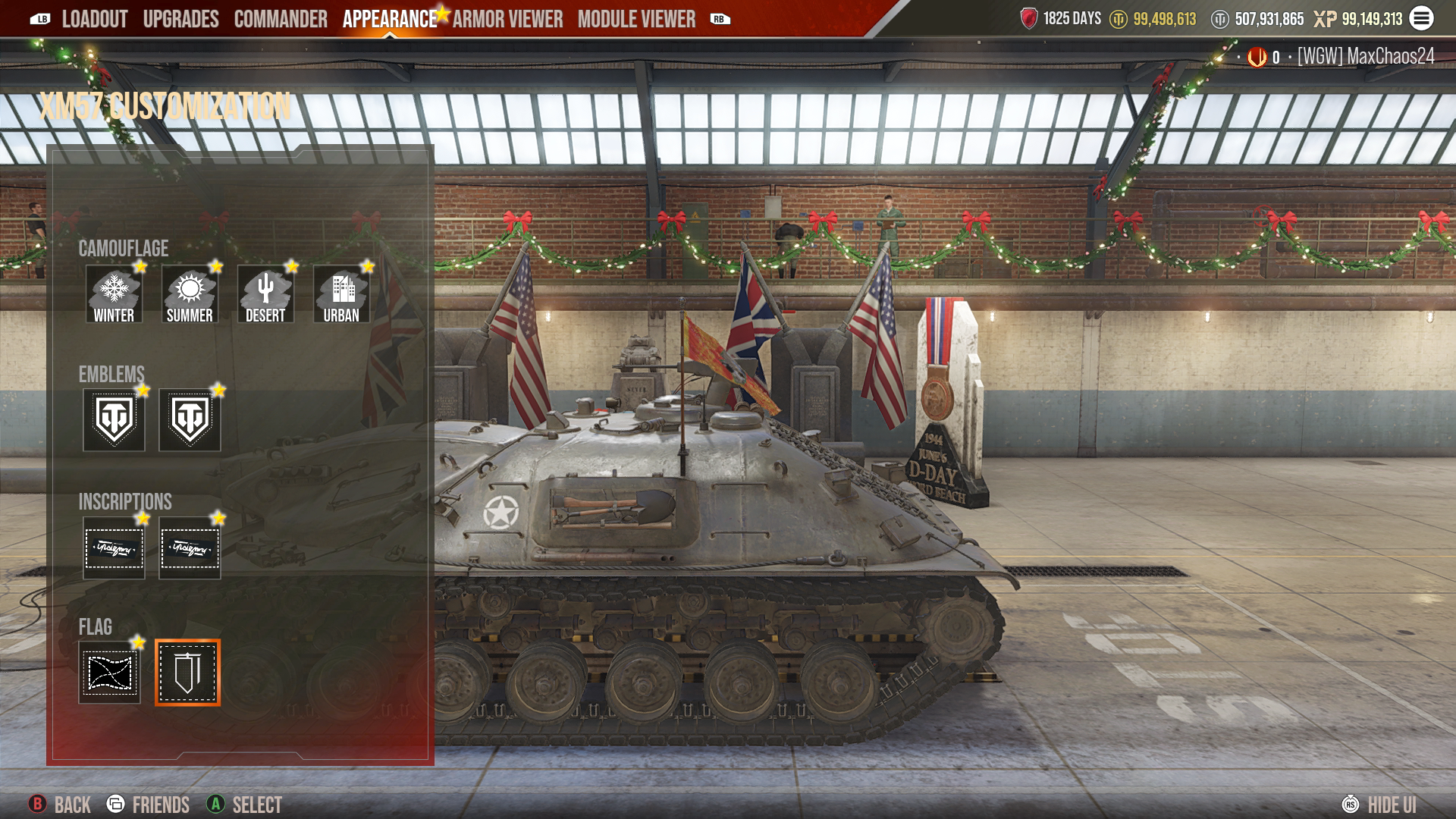
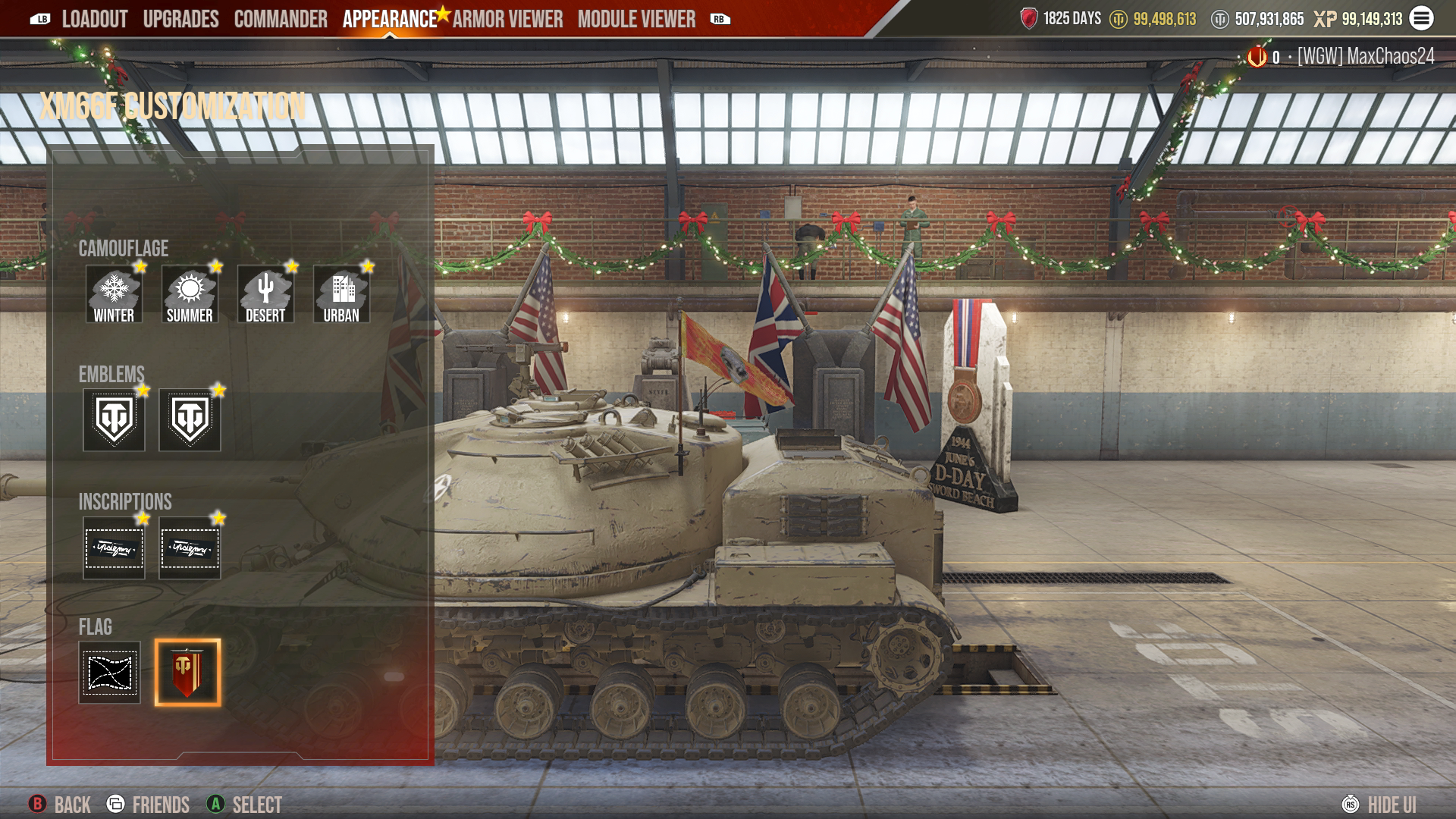
Regimental Flags
Regimental Banners can now be mounted as a Flag for your vehicle. Fly your Flag proudly to represent your Regiment in battle!
- Within the Flag section in a tank’s customization reel, you now have two Flag options: the normal Flag or the Regiment Flag.
- You can have only one Flag on your vehicle.
- Mounting the Regiment Flag is free.
New Regiment Store Items
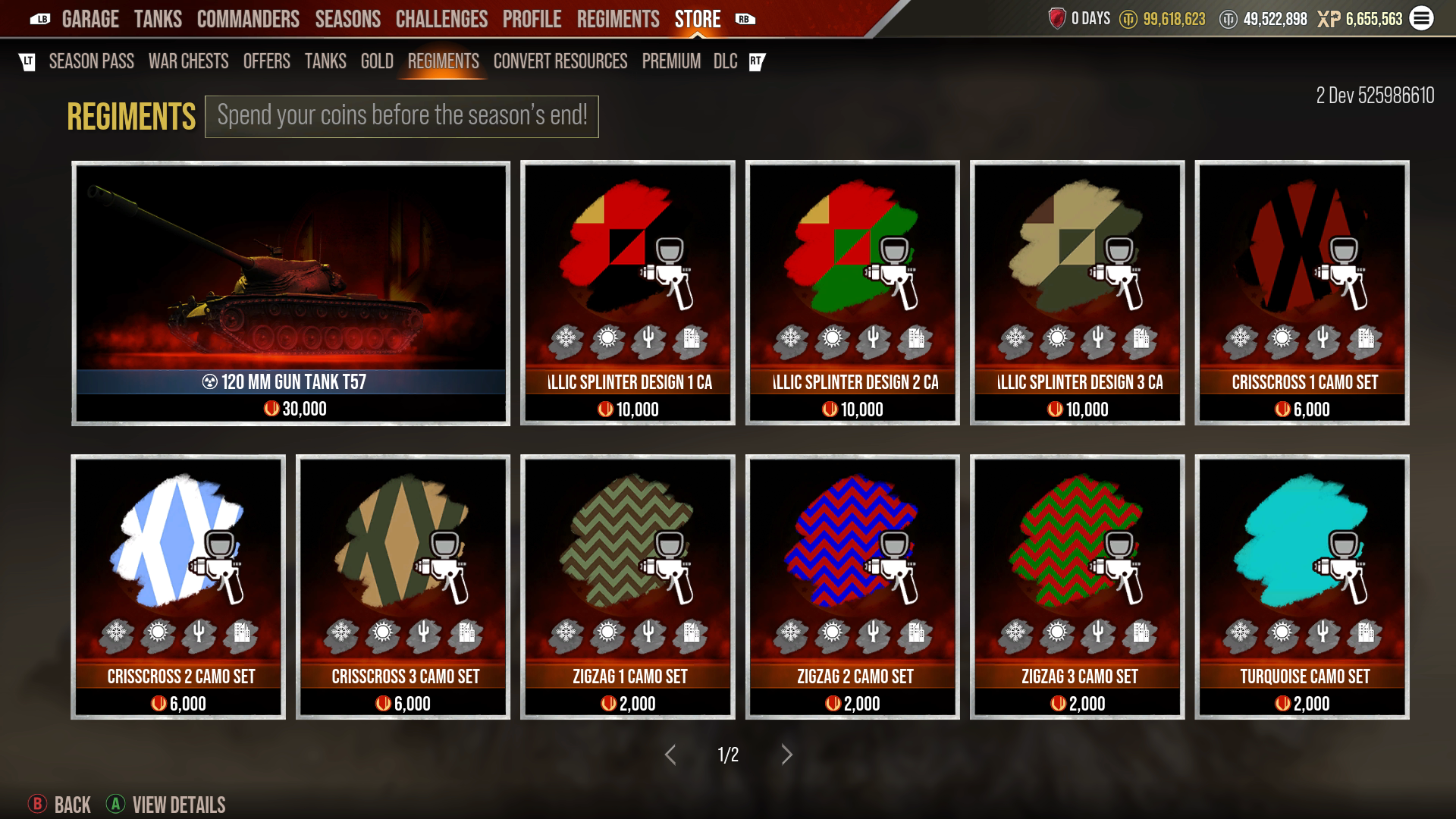
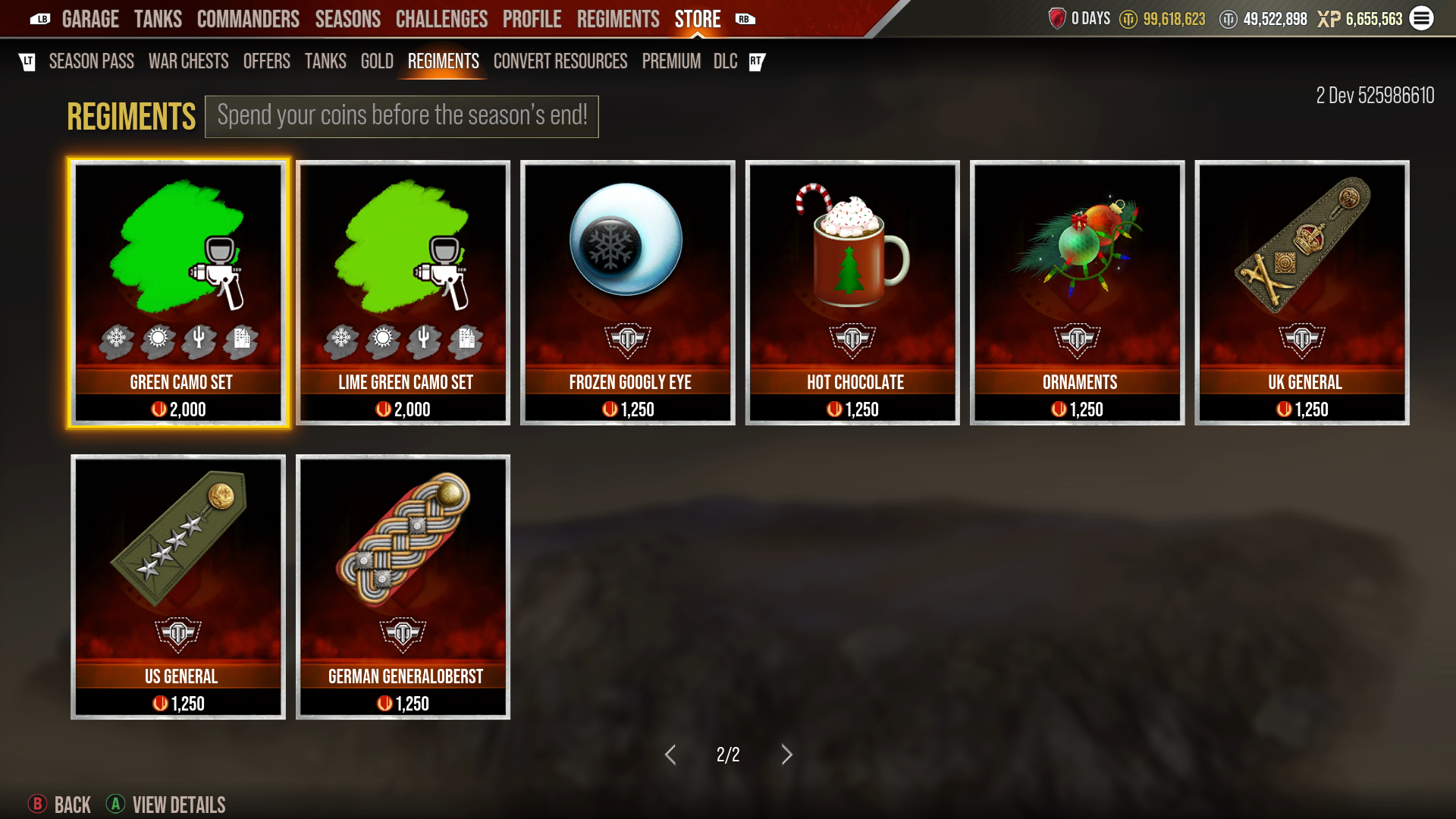
The Regiment Store has been refreshed with new content. This season, it offers the first Cold War Regiment tank, the 120mm Gun Tank T57, along with new Camouflage, Emblems, and insignia-style Emblems!
ADDITIONAL QUALITY-OF LIFE IMPROVEMENTS
New Game Options
- We have added a toggle option to enable or disable the red border walls for maps.
- This option is enabled by default.
Permanently Unlocked Special Emblems
- We have added the ability to make specific special Emblems permanently available to any tank once unlocked.
- We have applied this new feature to the Years of Service Emblem so that once you unlock it, it will be available for use on any vehicle. You no longer need to play each tank to unlock one voucher per tank.
Balance Updates
- We have made a handful of additional tank adjustments to follow up on previous balance passes made earlier in the year:
Object 934
- Hull armor
- 30 mm armor panel: Now acts as spaced armor
- 6 mm armor panel: Now acts as spaced armor
- Turret
- Armor panel: 20 mm -> 50 mm
- 40 mm armor panel: Now acts as spaced armor
- 20 mm armor panel: Now acts as spaced armor
- Terrain resistance: 0.5/0.6/1.1 -> 0.4/0.5/1.1
- Hull rotation speed: 42 -> 46
- View range: 560 m -> 580 m
- Reload time: 7.2 sec -> 6.4 sec
- Replaced ATGM
- 9M111 -> 9M117M
- Missile velocity: 186m/s -> 360m/s
- Penetration: 480 mm -> 650 mm
- Damage: 870 -> 800
- Minimum arming distance: 65 m -> 100 m
- 9M111 -> 9M117M
VK 72.01 (K)
- Split sections of Armor Panel 12 into Armor Panel 17 and Armor Panel 18, to match Pz.Kpfw. VII
- Armor Panel 17: 160 mm -> 300 mm
- Armor Panel 18: 160 mm -> 240 mm
- Updated spare track links to the correct armor value
- Armor Panel 14: 160 mm -> 200 mm
- Updated turret-mounted spare track links to the correct armor value
- Armor Panel 16: 160 mm -> 200 mm
Pz.Kpfw. VII
- Updated hull-mounted spare track links to the correct armor value
- Armor panel 14: 160 mm -> 200 mm
K1
- Siege Mode hull elevation: 0 degrees -> +4 degrees
The following tanks have been converted from Auto-Siege Mode to manually activated Siege Mode. There is no transition delay between modes, and the maximum speed for Siege Mode of all these vehicles is 40 km/h, except for the K1, which has a maximum Siege Mode speed of 55 km/h.
Garage Gear
- 'Tis the season! Show your holiday spirit by outfitting your garage in holiday-themed Gear. As part of the holiday spirit, we have permanently reduced the Gold cost of Garage Gear! Be sure to check out the Garage Gear Store for holiday-themed gear and new pricing.
- New holiday gear will be available later in the season, so keep an eye out!
ISSUES ADDRESSED
General:
- Stats Page: Sold tanks are now displayed
- Event Mode shortcut now works when pressing the buttons simultaneously
- Previewing a tank in the Store and switching tabs no longer causes the purchase option to disappear
- Corrected the "new" indicators for Cosmetics so that they can be cleared
- Inscriptions are now correctly aligned in the equipped box
- Added the shooting animation within the purchase celebration for the T-64B obr. 1981 and T-64BV obr. 1987
- Added missing Emblem icons for various special Emblems
- Adjusted textures on various tanks to address memory-related issues
- Auto-opened chest logs now display the compensated Premium Account time as part of the total Gold received
- Various Emblem icons have been added, such as CC/CA/Reddit ambassador, so they can display and be equipped correctly
Tanks:
- Roundabout: Removed and refunded a blank tank Skin that some users purchased
- T-55AM2B: Corrected the scaling for the Romanian Woodland Camouflage
- G.I. JOE Armadillo: Removed and refunded the Loaded Shell Exchanger
- RU 251: Removed World War II crates from the vehicle
- M3A1 Bradley: Added ammunition rack hitbox for the 25mm stowage in the rear floor
- M3A2 Bradley: Added ammunition rack hitbox for the 25mm stowage in the rear floor
- M48A5PI Patton: Corrected barrel shading when skin is equipped
- Night Stalker: Filled in the armor gap where the barrel enters the mantlet
- AMX Tracteur C Mle. 1939: Added missing gunner sight
- FCM 2C: Fixed a visual issue in the purchase animation
Maps:
- Safe Haven:
- Corrected the collision model for the crane structures in grid B5 and C4
- Impact SFX on rocks is now using the correct audio
- Serene Coast: Corrected shell collision for the windows of the house at grid H5
- Komarin: Corrected the East/West labels on the mini-map