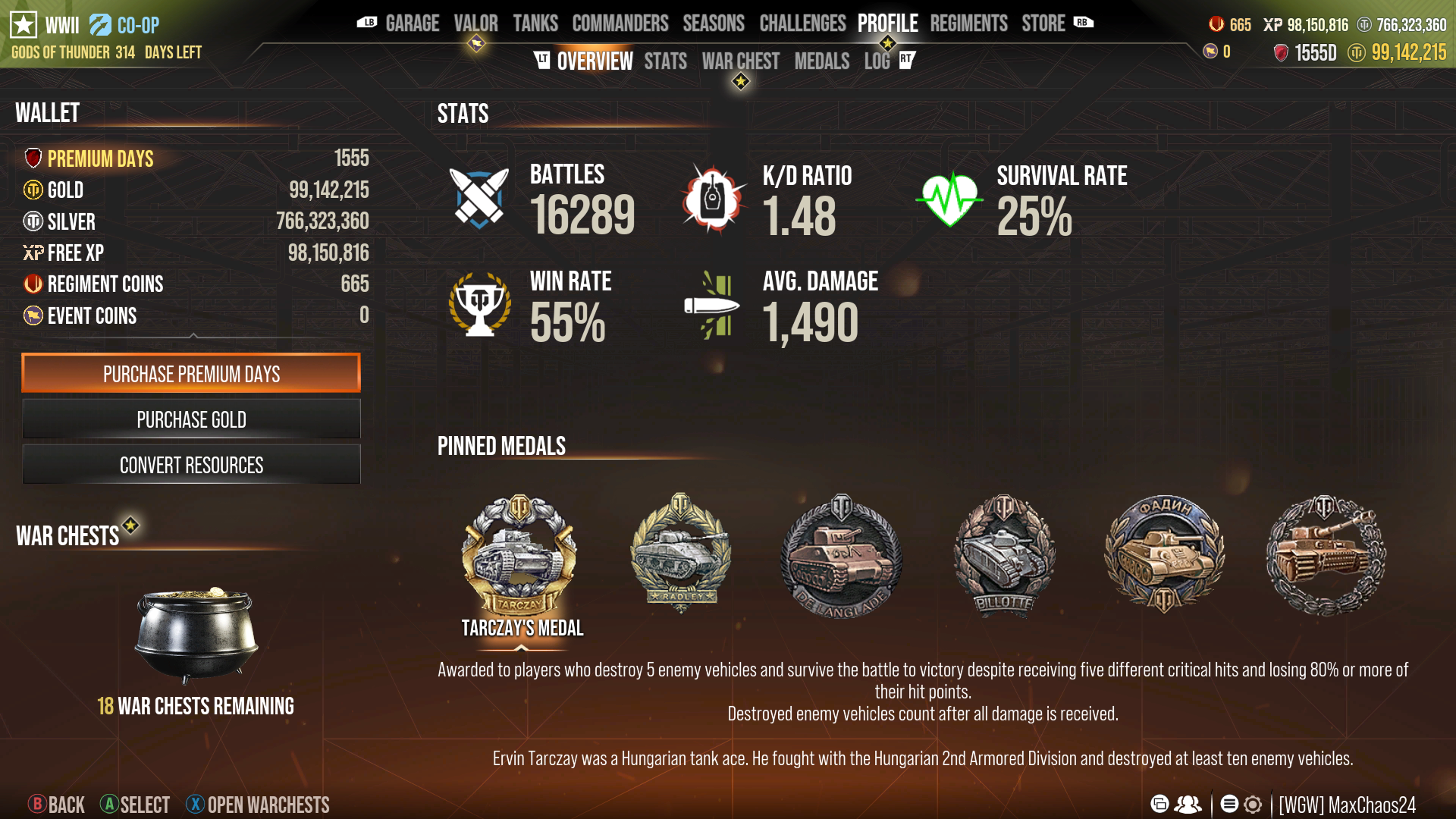
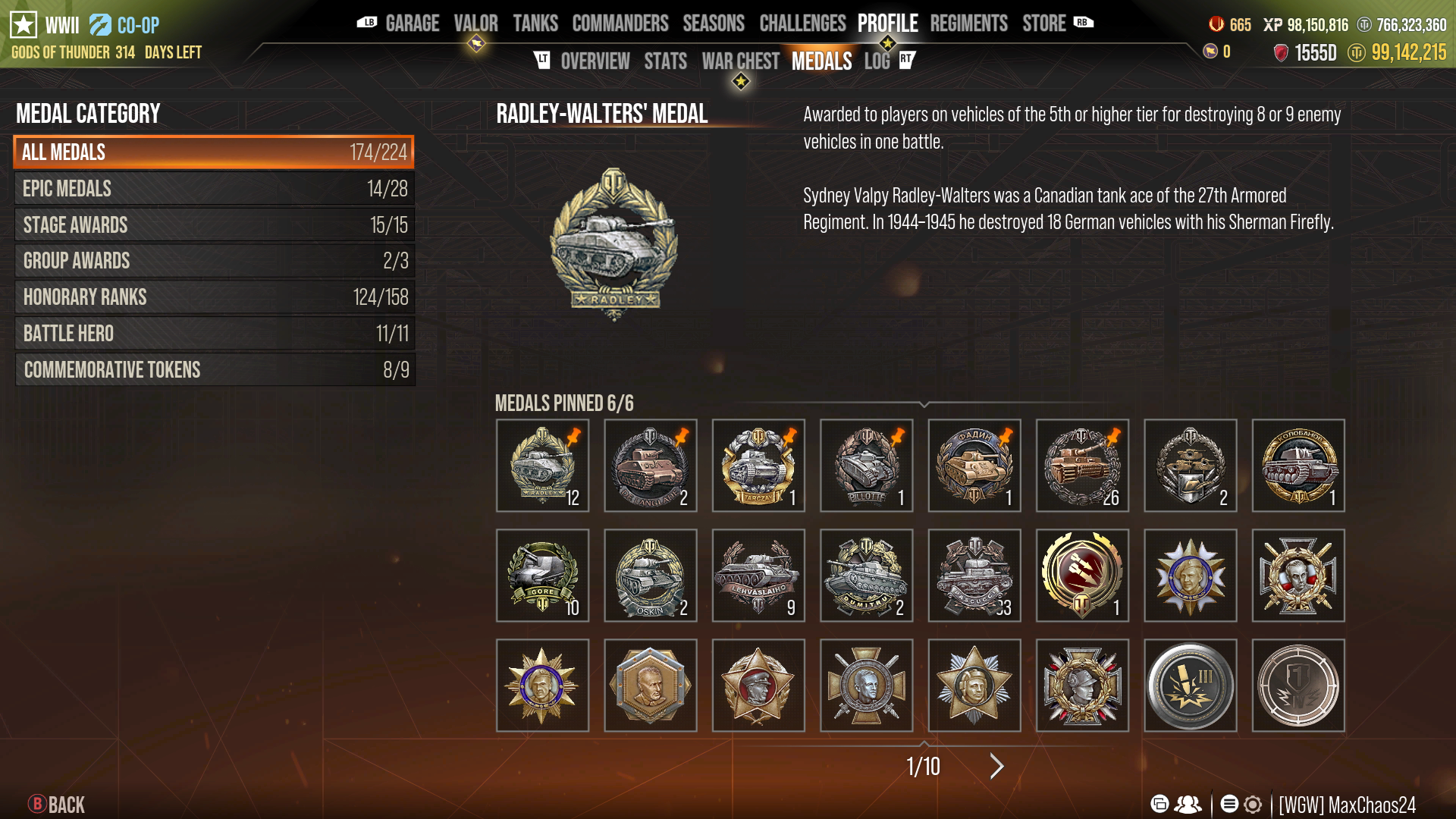
View your Wallet, Snapshot of your stats, and any Pinned Medals you want to display that you are most proud of. You can pin up to 6 Medals.
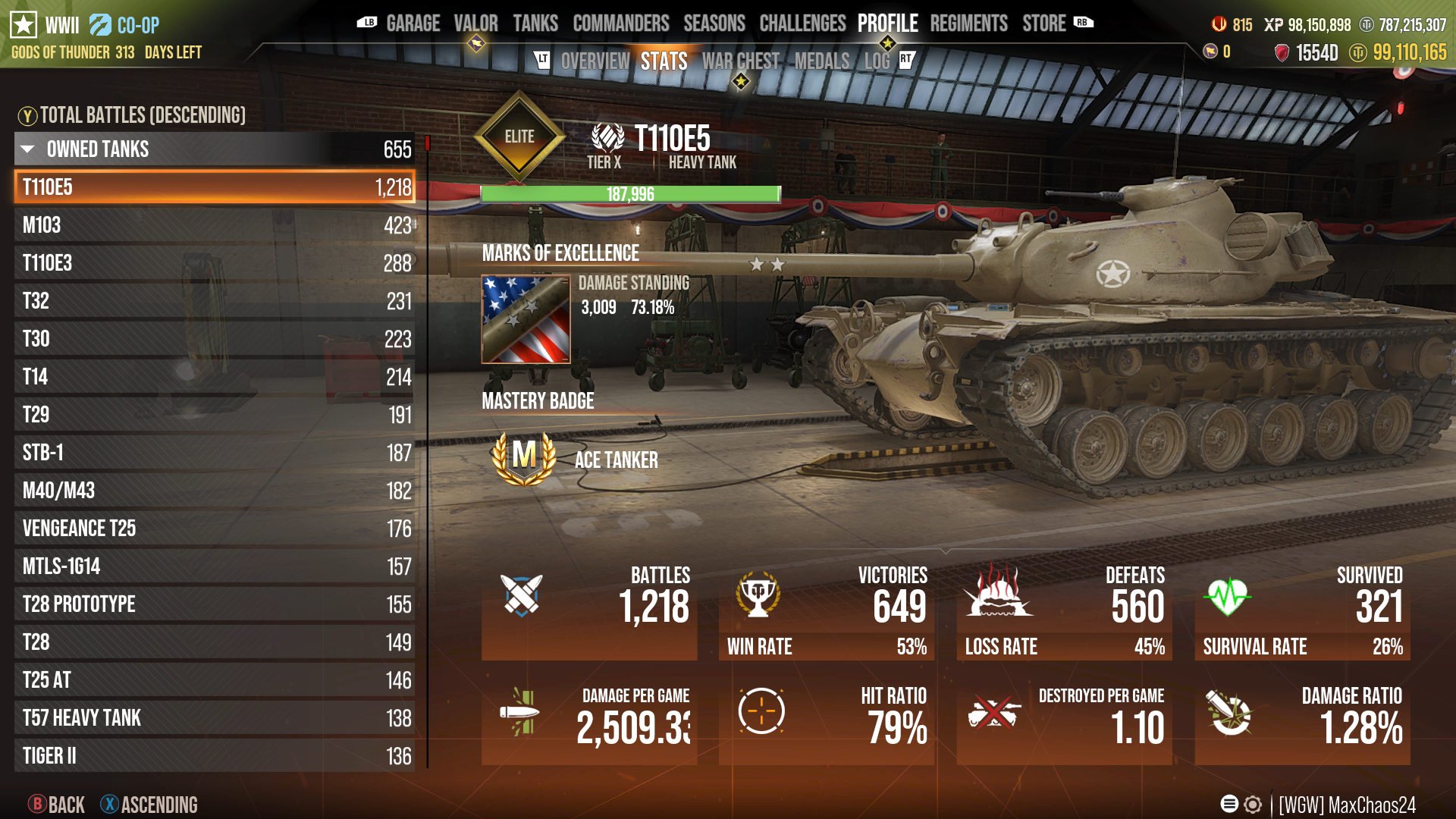
The Stats tile is one of the most important tabs for a tanker. Here you’ll see your battle statistics for tanks you currently own as well as tanks you’ve sold. Battle performance and vehicle awards will all be on proud display here.
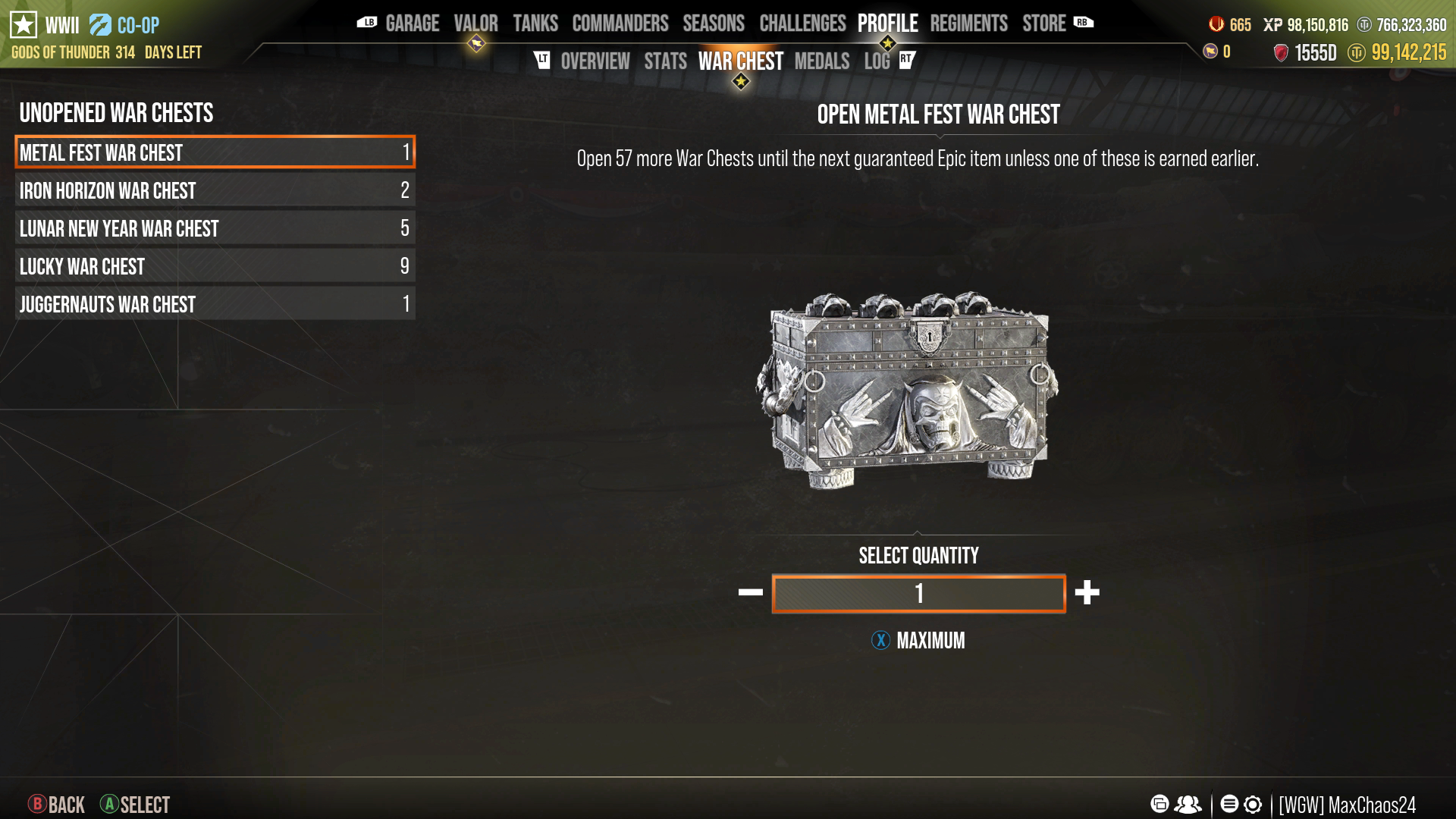
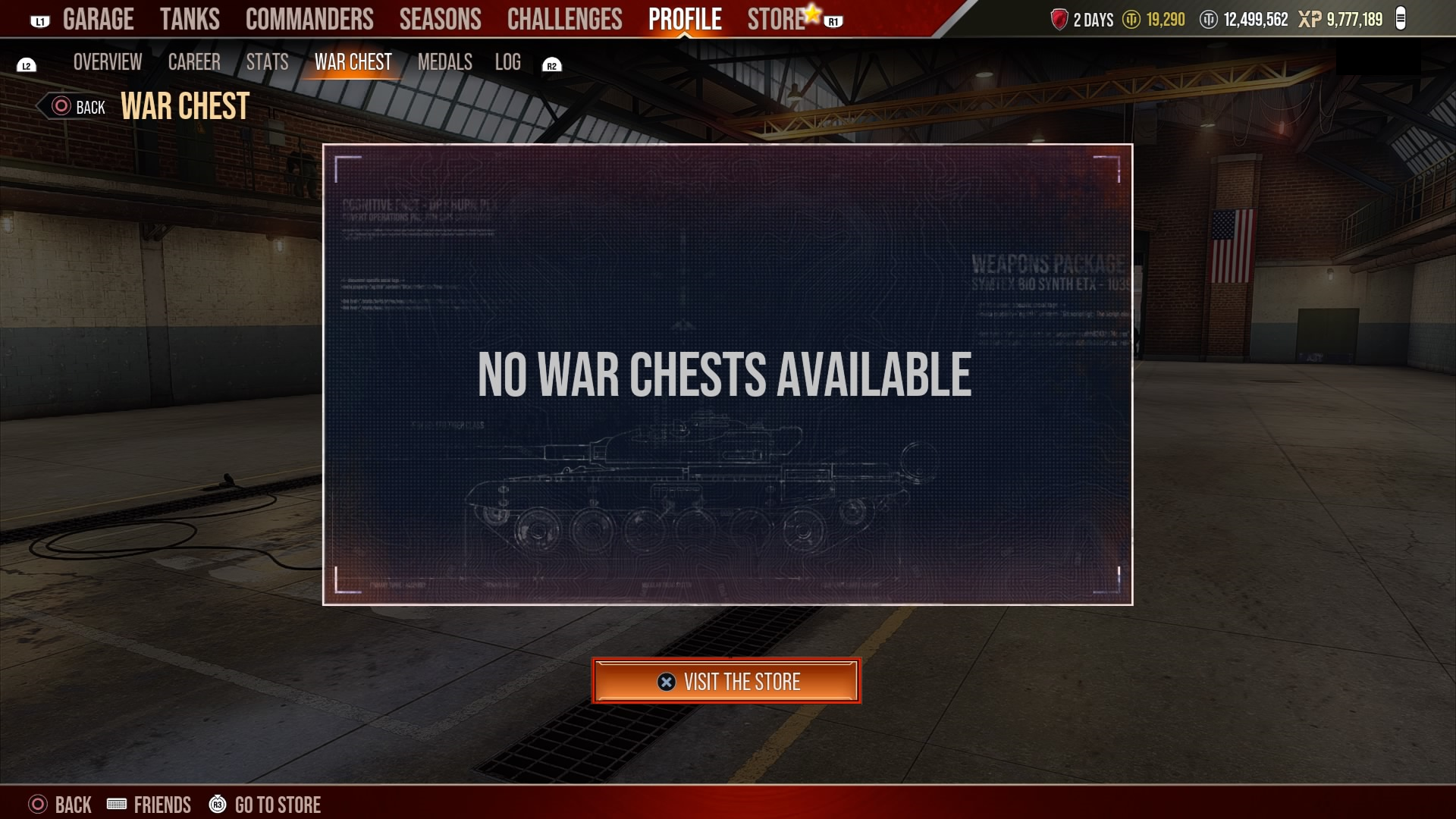
Click the War Chests tile to see any War Chests you own and have available in your account. You can also navigate to the in-game Store and get more War Chests from this tile.
The Medals tile will display any medals you’ve earned in battle along with placeholder spaces for medals you have yet to earn. You’ll also be able to see the criteria for earning each medal. You can select up to 6 Medal to be pinned. Pinned Medals will display in the Overview Tab.
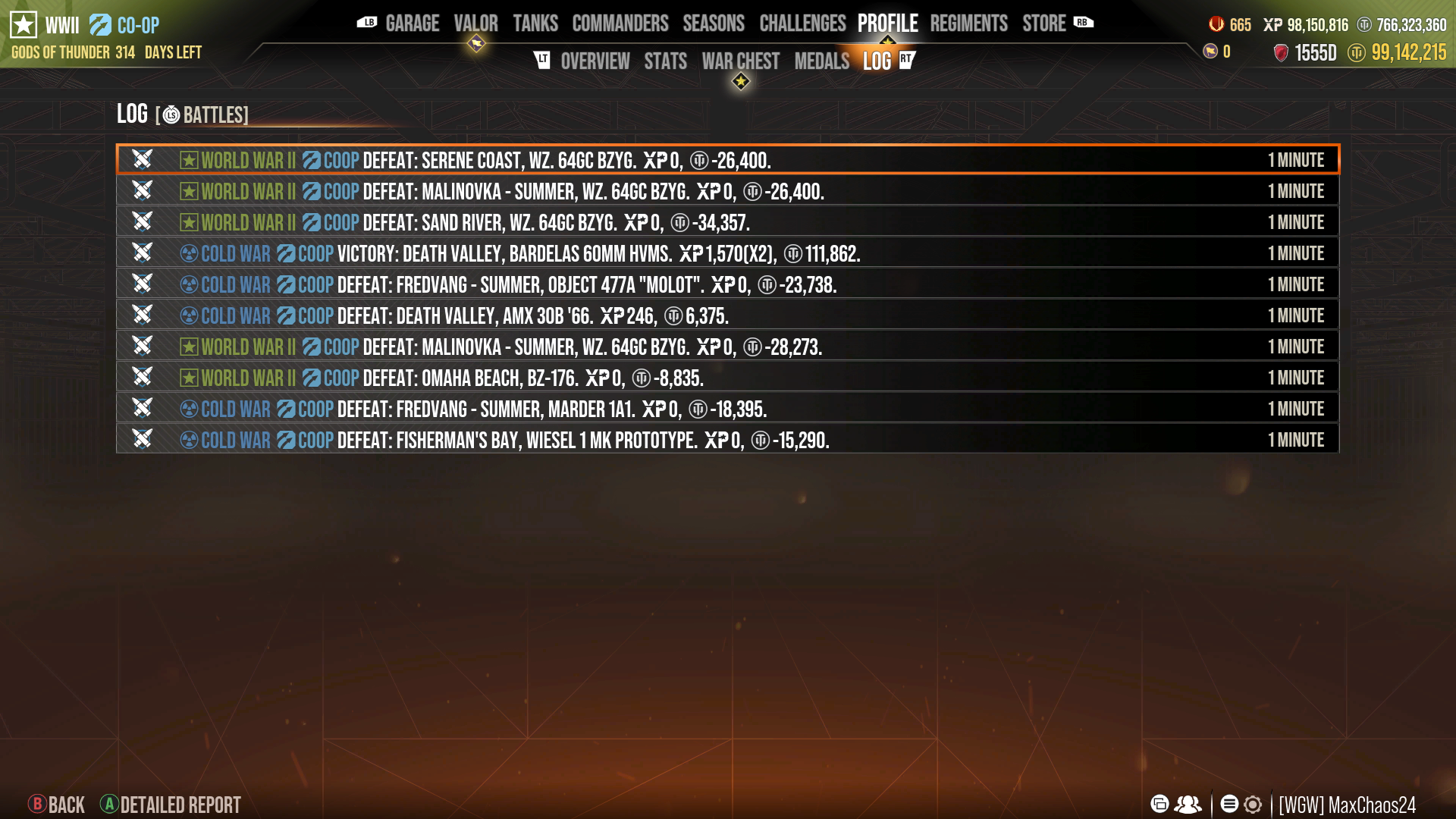
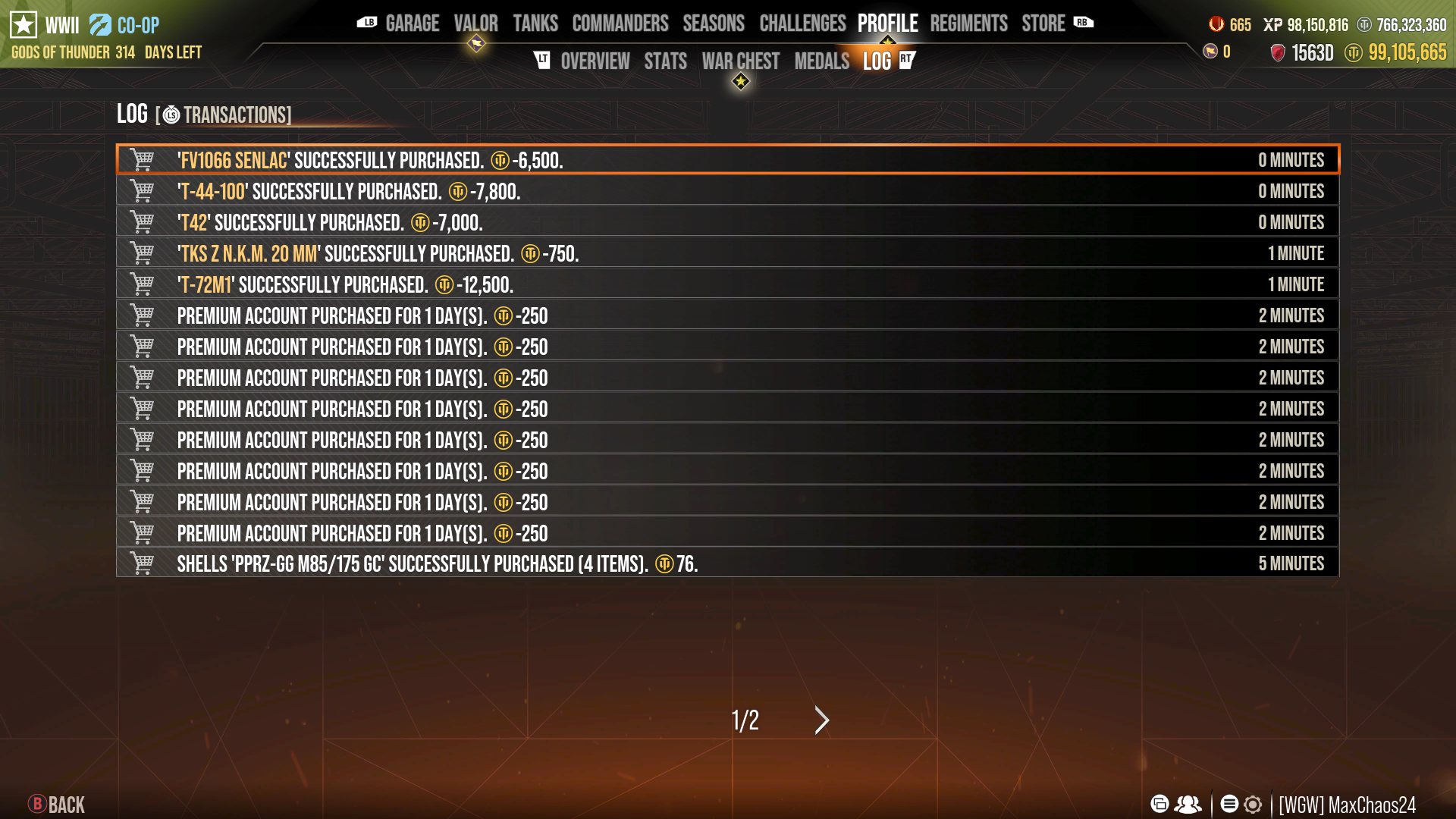
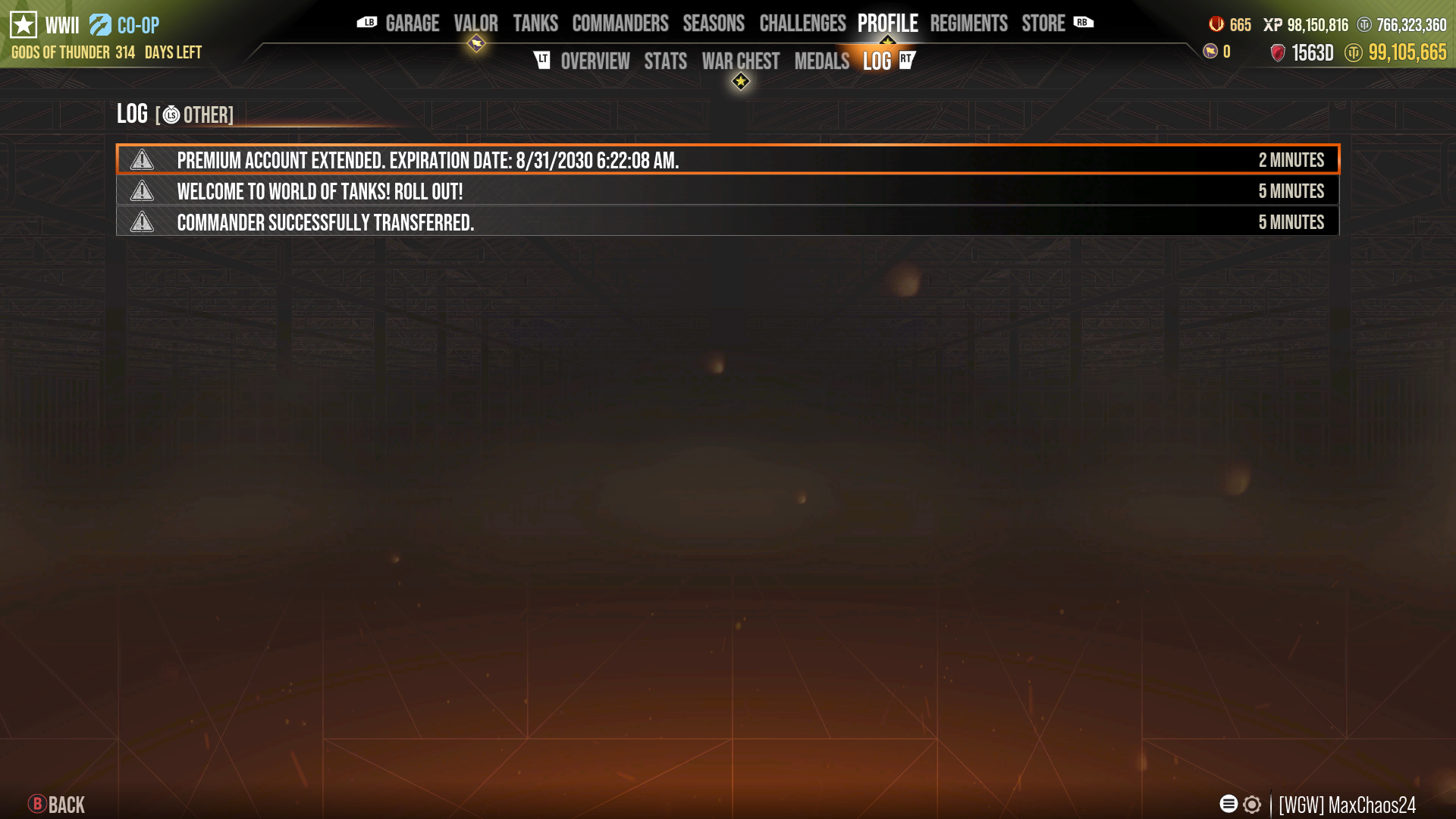
Finally, select the Log tile to see your most recent account activity, including Store purchases, Commander recruitment or dismissal, and more.
Click on your left thumbstick to filter the logs by Battles, Transactions, or Other.